






Setting up a new business in 2026 feels a lot like being a kid in a candy store. There are so many options, everything looks shiny, and you want to try it all. But then reality hits—you have a limited budget, you’re working a 9-to-5 or managing a home, and you realize that trying it all is a fast track to burnout and a drained bank account.
I remember when I started my first side project. I spent three weeks trying to pick a logo color and another month researching tools instead of actually selling anything. I bought a premium email software before I even had a single subscriber. It was a mess.
If you feel overwhelmed by the sheer number of apps, platforms, and must-have subscriptions out there, you’re not alone. The goal isn’t to have the most tools; it’s to have the right ones that actually do the heavy lifting for you.
In this guide, I’m breaking down the best online business tools for beginners in 2026. No fluff, no corporate-speak—just the stuff that actually works and won’t break the bank.
What Exactly Are Online Business Tools?
Think of these tools as your invisible employees. Since you are likely a solopreneur (a one-person army), you can’t be everywhere at once.
An online business tool is any software or app that helps you handle a specific part of your business—like building your website, talking to customers, or designing social media posts—without you having to do everything manually. In 2026, most of these tools are powered by AI, which means they don’t just store your work; they actually help you create it.

Why Beginners Need the Right Tools in 2026
Back in the day, you needed a developer to build a site and a graphic designer for a flyer. In 2026, the barrier to entry has vanished. Here’s why the right stack is vital:
- Saving Time: Instead of spending 5 hours writing emails, a tool can help you draft them in 5 minutes.
- Automation: You want your business to make money while you’re sleeping. Tools handle the “thank you” emails and the social media scheduling so you don’t have to.
- Professionalism: Even if you’re working from your kitchen table, these tools make you look like a Fortune 500 company to your customers.
- Cost-Efficiency: Many of the best tools have “Free Forever” tiers. You can literally start a business for $0 in software costs if you’re smart about it.
Best Online Business Tools for Beginners
I have categorized these so you can focus on what you need right now. Do not feel pressured to get something from every category today. Pick what solves your biggest headache first.
1. Website & Store Building Tools
Your website is your digital storefront. In 2026, you don’t need to know a single line of code.
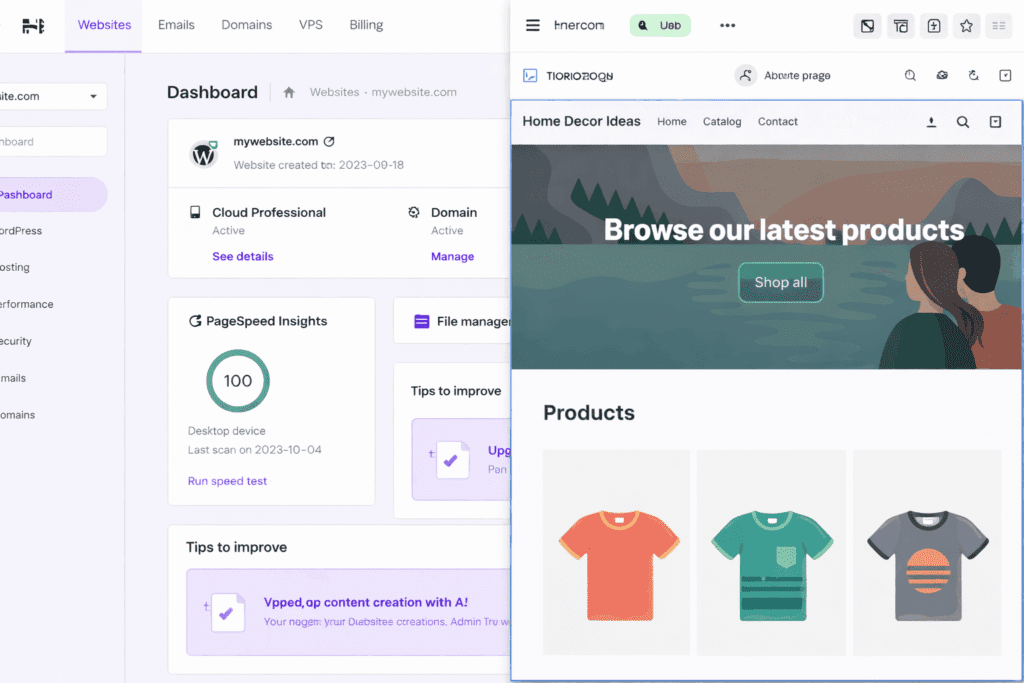
- Hostinger (Best for Budget):
- What it does: It’s an all-in-one platform where you get your domain (the .com name) and a website builder. Their AI builder can literally generate a whole site for you just by describing your business.
- Who should use it: Beginners who want a professional site quickly without paying $30+/month.Price: Very affordable (starts around $2.99/month).
- Example: A local baker uses Hostinger to set up a simple site with a menu and a contact form in under an hour.
Hostinger Official Website: https://www.hostinger.com/
- Shopify (Best for Selling Products):
- What it does: The gold standard for e-commerce. It handles payments, shipping, and inventory.
- Who should use it: Anyone selling physical or digital products.
- Price: Paid (usually has a “$1 for 3 months” trial for beginners).
- Example: You make handmade jewelry and want a secure way for people to buy with their credit cards or Apple Pay.
Shopify Official Website: https://www.shopify.com/
2. SEO (Search Engine Optimization) Tools
SEO is how people find you on Google without you paying for ads.
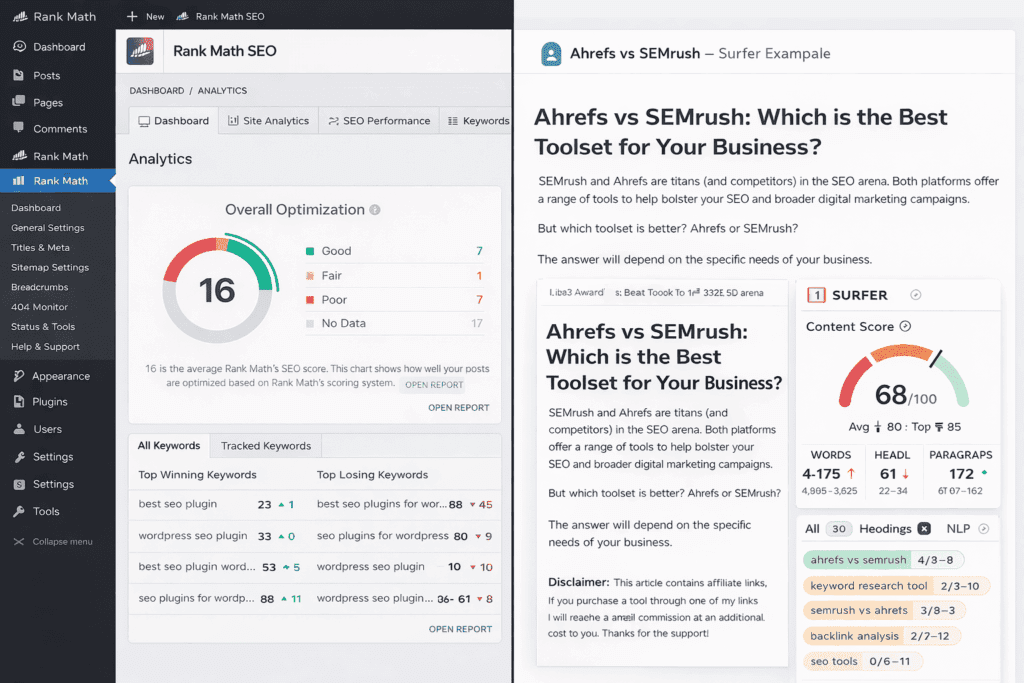
- Rank Math (For WordPress Users):
- What it does: It’s a plugin that tells you exactly what to change on your page to rank higher on Google. It’s like having an SEO expert looking over your shoulder.
- Who should use it: Bloggers or business owners using WordPress.
- Free vs Paid: The free version is incredibly powerful and usually enough for beginners.
- Example: You write a blog post about “Best Vegan Dog Food,” and Rank Math reminds you to add the keyword to your title so Google can find it.
Rank Math Official Website: https://rankmath.com/
- Surfer SEO (AI Content Optimization):
- What it does: It analyzes the top-ranking pages for a keyword and tells you exactly which words and phrases to include to beat them.
- Who should use it: Content creators who want to take SEO seriously from day one.
- Price: Paid, but offers massive ROI in organic traffic.
3. Marketing Tools (Email & Social Media)
Marketing is how you stay in touch with people who showed interest in your business.
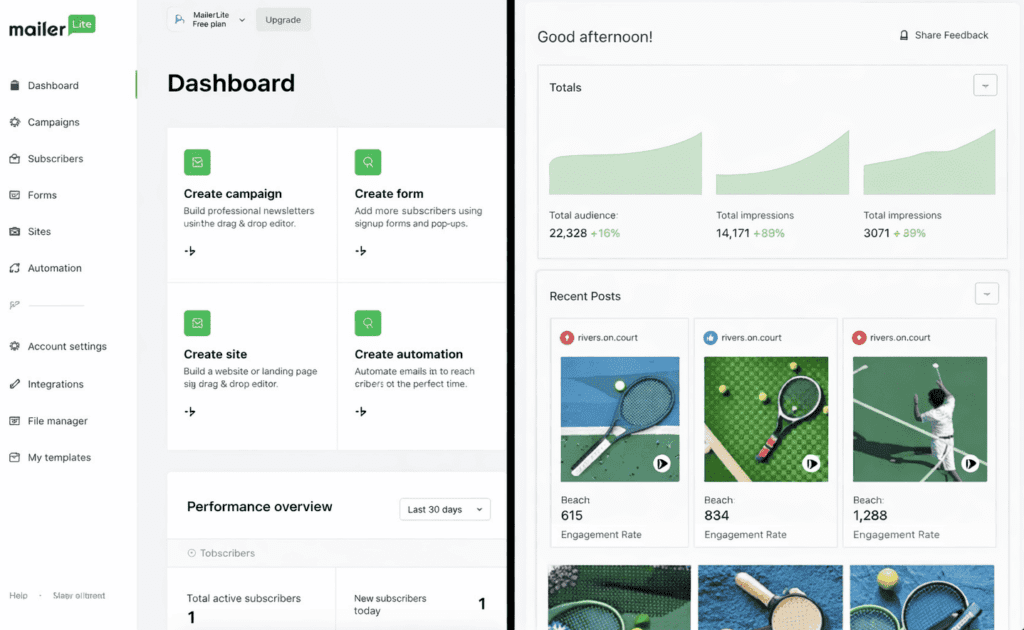
- MailerLite (Best for Email):
- What it does: Helps you collect email addresses and send beautiful newsletters. It’s much more beginner-friendly (and cheaper) than Mailchimp in 2026.
- Who should use it: Everyone. You need an email list because you don’t own your social media followers, but you own your email list.
- Free vs Paid: Free for your first 1,000 subscribers.
- Example: A fitness coach sends a weekly “Monday Motivation” email to 200 subscribers to keep them engaged.
MailerLite Official Website: https://www.mailerlite.com/
- Buffer (Social Media Scheduling):
- What it does: You write your posts for the week on Sunday, and Buffer automatically posts them to Instagram, LinkedIn, and TikTok throughout the week.
- Who should use it: Solopreneurs who don’t want to be glued to their phones all day.
- Free vs Paid: Free for up to 3 social channels.
4. Design Tools
In 2026, I’m not creative is no longer an excuse.
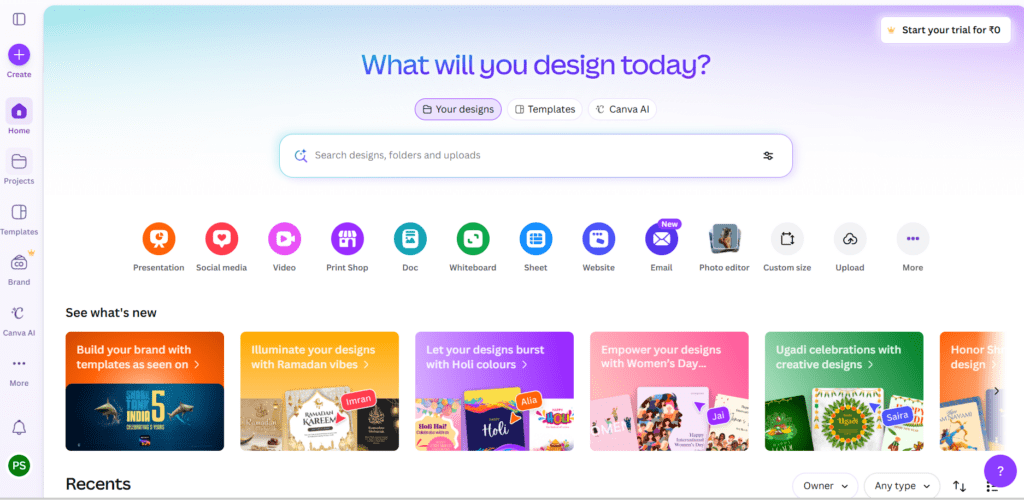
- Canva (The Essential):
- What it does: It’s a drag-and-drop design tool with thousands of templates for logos, Instagram posts, and even videos.
- Who should use it: Literally every single person starting an online business.
- Free vs Paid: The free version is amazing; the Pro version adds “Magic Resize” and better AI tools.
- Example: You need a YouTube thumbnail. You search “YouTube Thumbnail” in Canva, swap the photo and text, and you’re done in 2 minutes.
If you’re completely new to design, you can follow this step-by-step Canva beginner guide to learn everything from scratch.
5. Productivity & Operations
These tools keep your brain from exploding by organizing your tasks.
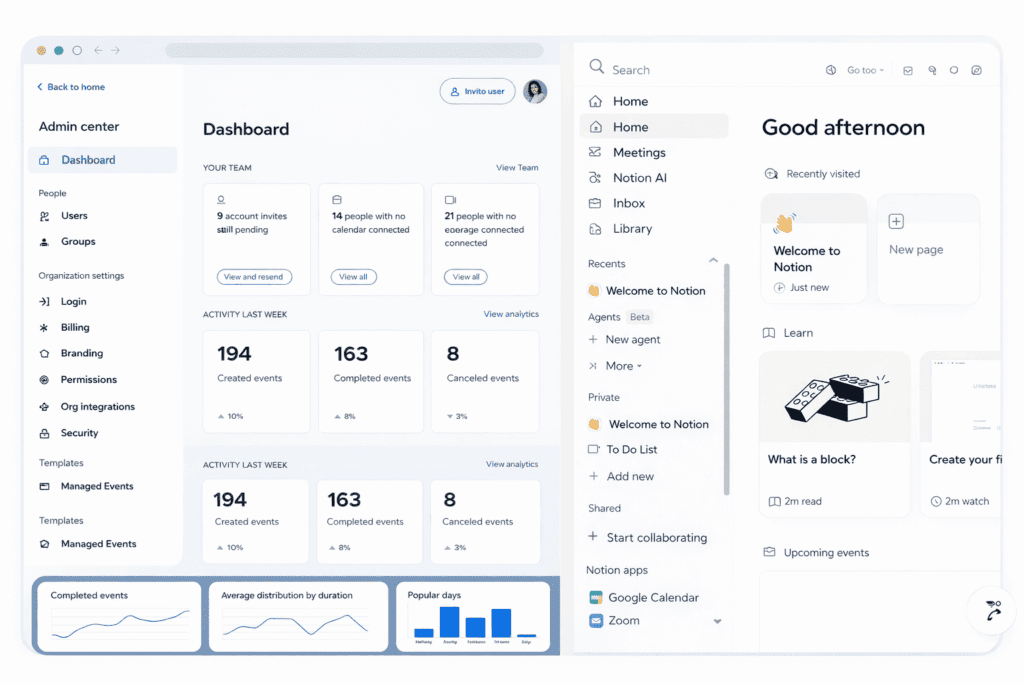
- Notion (The All-in-One Workspace):
- What it does: It’s a digital notebook, task manager, and database all in one. You can use it to plan content, track goals, or even build a simple internal wiki.
- Who should use it: Organized (and unorganized) beginners.
- Free vs Paid: Free for personal/small business use.
- Example: You keep a “Content Calendar” in Notion so you know exactly what you’re posting on social media for the next month.
Notion Official Website: https://www.notion.com/
- Calendly (Meeting Scheduler):
- What it does: Stops the “Are you free at 2 PM?” “No, how about 4?” email chain. You send a link, and they pick a time that works.
- Who should use it: Service-based businesses (consultants, coaches, tutors).
- Free vs Paid: Great free version for one type of meeting.
Real Case Studies
Let’s look at how real people are using these tool stacks to actually build things.
Case Study 1: Sarah the Etsy-Style Creator
Sarah wanted to sell digital planners. She didn’t have a big budget, so she started with Canva to design her planners. She used Hostinger’s AI builder to create a simple landing page and connected Stripe to accept payments. To grow, she used Pinterest and scheduled her pins via Buffer.
- The Result: She spent less than $50 to get her entire business live. Within three months, she was making $500/month in passive income because her “tool stack” was doing the delivery and scheduling for her.
Case Study 2: Mark the Freelance Consultant
Mark is a marketing consultant. His biggest problem was administrative “busy work.” He set up Calendly so clients could book discovery calls without the back-and-forth. He used Notion to create “Client Portals” where he shared his progress. He also used MailerLite to send a monthly marketing tip to his leads.
- The Result: Mark saved about 10 hours a week on admin. He looked so professional that he was able to double his hourly rate because his “business systems” gave off a high-end vibe.
How to Choose the Right Tools
Don’t buy everything at once. Use this 3-step filter:
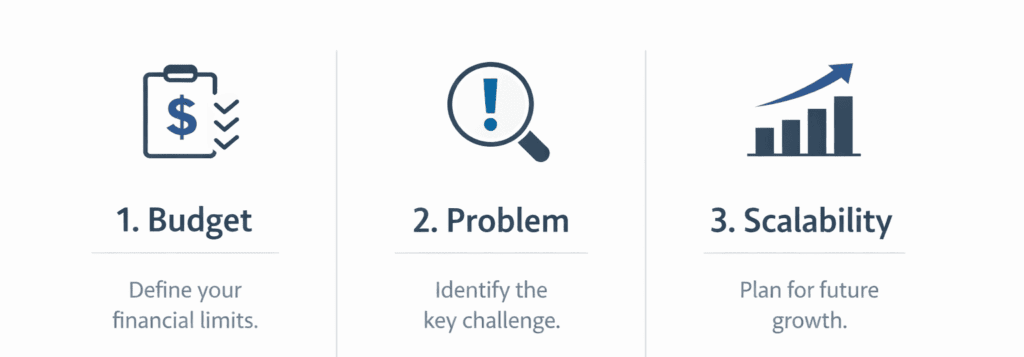
- The Budget Filter: If you have $0, stick to the Free Forever tiers. In 2026, you can get a lot done with the free versions of Canva, MailerLite, and Notion.
- The Pain Point Filter: What is the most annoying thing you do every day?
- Hate designing? Get Canva Pro.
- Hate emails? Get MailerLite.
- Hate scheduling? Get Calendly.
- The Scalability Filter: Ask yourself, “If I get 100 customers tomorrow, will this tool still work?” Most of the tools on this list (like Shopify or MailerLite) grow with you.
When to go from Free to Paid?
Only upgrade when you are either making money from the tool or saving so much time that it’s worth the cost. For example, if Canva Pro saves you 5 hours a month and your time is worth $20/hour, the $12 subscription is a no-brainer.
Common Mistakes Beginners Make
- Collecting Shiny Tools: People sign up for 10 tools and use none of them. This is just productive procrastination. Start with two or three.
- Paying for Premium Too Early: You don’t need a $200/month CRM when you have 5 leads. Use a spreadsheet or a free Notion template.
- Ignoring SEO: Many beginners build a beautiful site but forget to use a tool like Rank Math. If Google can’t find you, you’re invisible.
- Forgetting Integration: Make sure your tools talk to each other. For example, make sure your website builder can easily connect to your email marketing tool.
My Recommended Starter Stack for 2026
If I were starting an online business today with a tiny budget, here is exactly what I would use:
- Website: Hostinger (Affordable, easy AI builder).
- Design: Canva (Free version).
- Organization: Notion (Free version).
- Email Marketing: MailerLite (Free up to 1,000 subs).
- Payments: Stripe (You only pay when you get paid).
Total Monthly Cost: Roughly $3 to $10 (mostly just for your website hosting).
That’s it. That’s a professional-grade business setup for the price of two cups of coffee.
Final Thoughts

The best tool is not the one with the most features or the highest price tag. It’s the one that actually gets you to do the work. In 2026, technology has made it easier than ever to be an entrepreneur, but the tools are just the engine—you still have to be the driver.
Do not get stuck in research mode. Pick one tool from this list, set it up today, and take one real step toward launching your business.
0 Comments