Running a business today means managing customers, finances, projects, emails, support, and marketing — often all at once. Many small businesses struggle because they rely on multiple disconnected tools for each task, which leads to confusion, wasted time, higher costs, and poor productivity.
That’s where Zoho comes in.
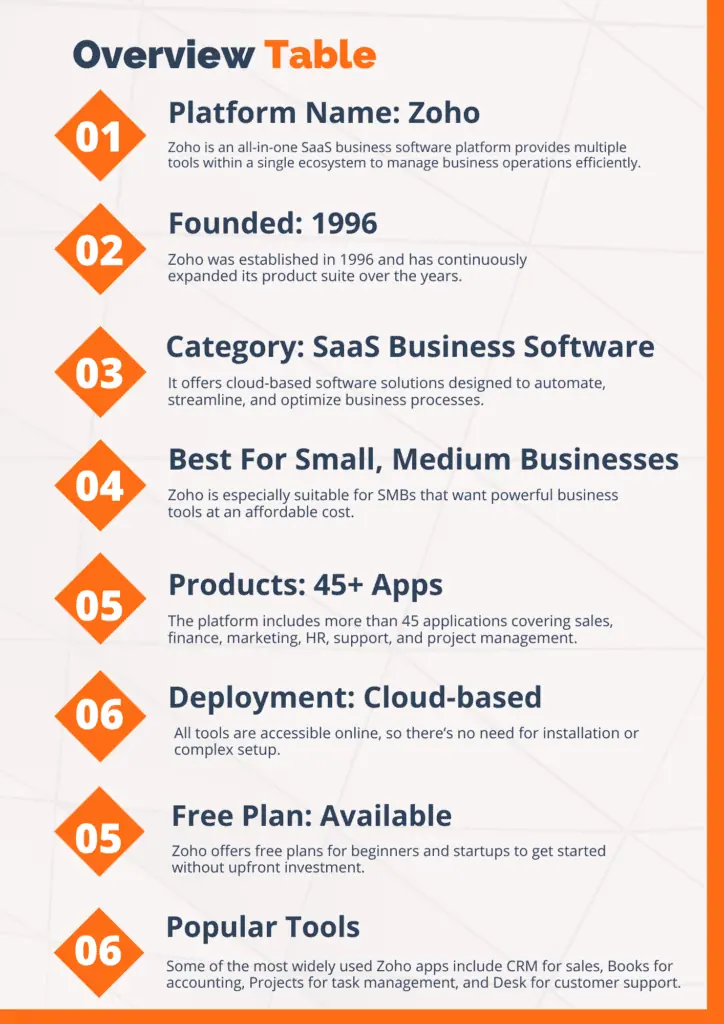
Zoho is an all-in-one business software platform designed to help companies manage everything from sales and accounting to customer support and automation — all in one ecosystem.
👉 Explore Zoho here: https://www.zoho.com/
But what exactly is Zoho? How does it work? Is it worth using for your business?
In this complete zoho beginner guide, you’ll learn everything you need to know about Zoho, including its features, pricing, pros and cons, real use cases, comparisons, and whether it’s the right choice for your business.
What Is Zoho?
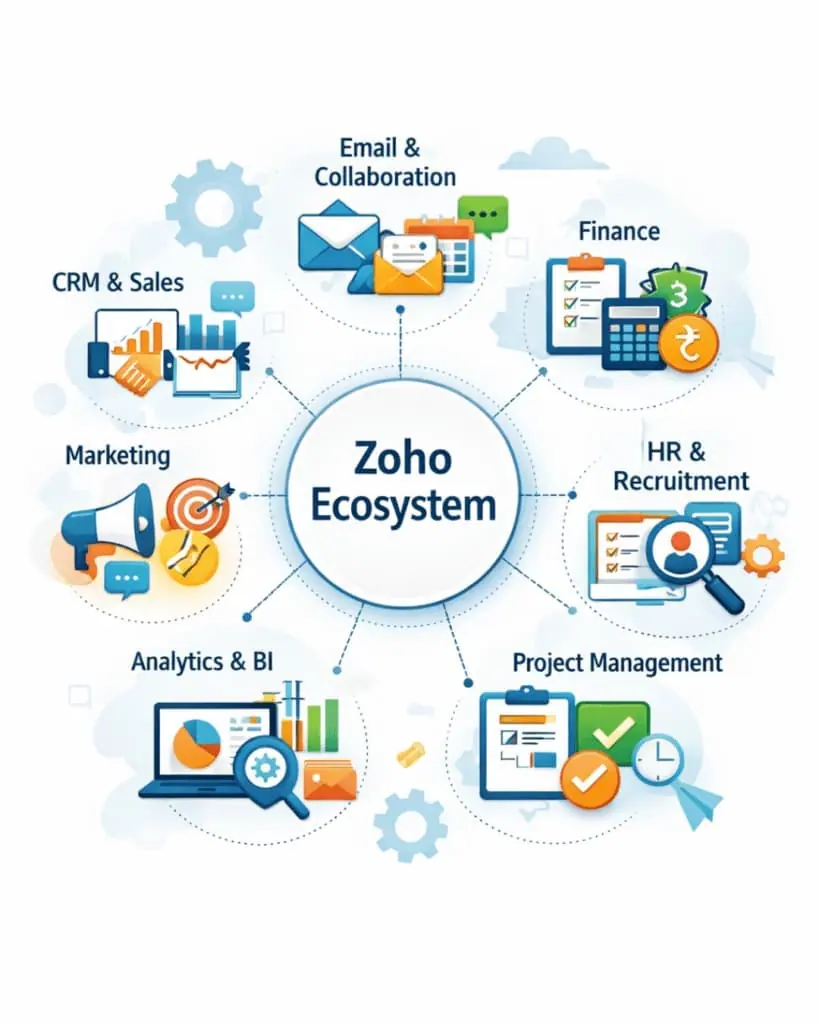
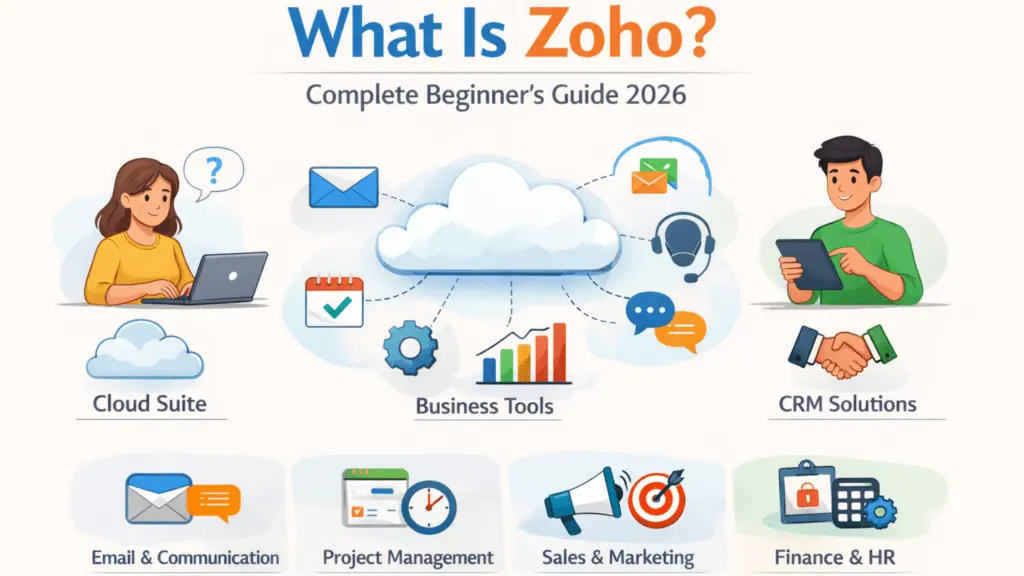
Zoho is a cloud-based software ecosystem that provides a complete suite of business tools designed to help companies run their operations efficiently from one centralized platform.
Instead of purchasing separate tools for customer management, accounting, marketing, helpdesk, and project tracking, Zoho combines everything into one unified system.
Think of Zoho as a digital operating system for businesses — just like your phone runs multiple apps smoothly, Zoho runs multiple business functions together.
It offers more than 45+ integrated applications that businesses can use individually or combine into a complete system depending on their needs.
This flexibility is one of the biggest reasons Zoho has become popular worldwide among startups, freelancers, agencies, and growing businesses.
👉 Official Website: https://www.zoho.com/
Why Zoho Is So Popular Globally
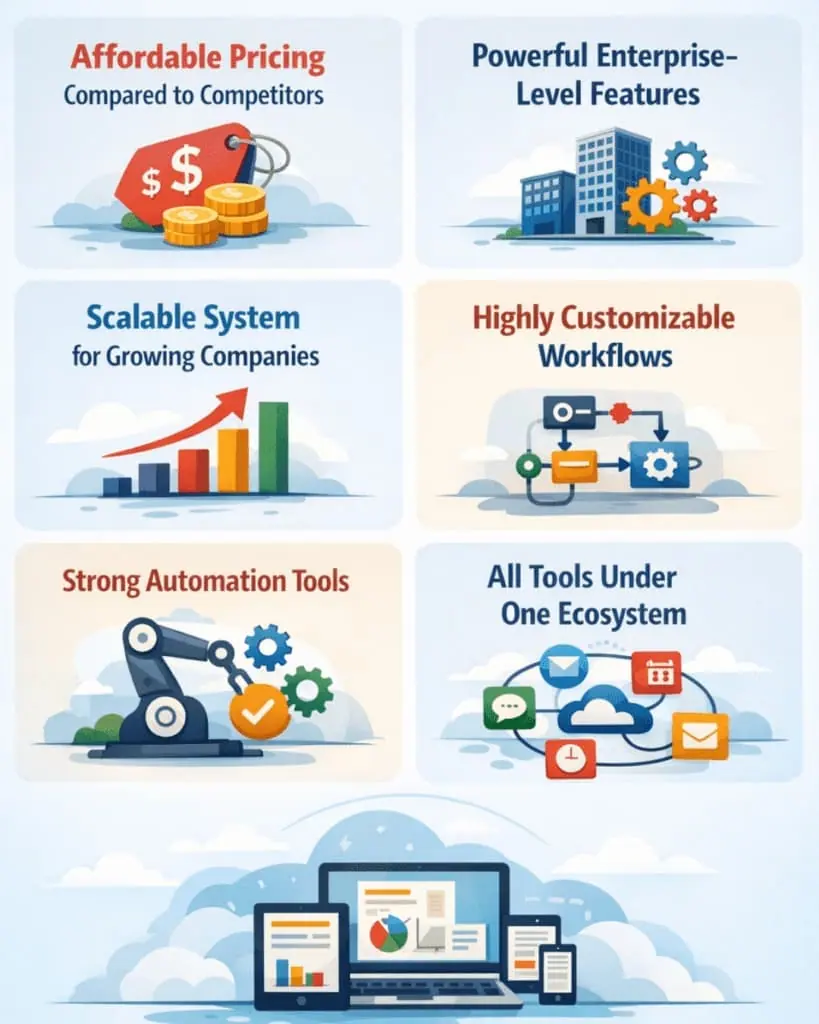
Zoho’s rapid global adoption is driven by several factors:
- affordable pricing compared to competitors
- powerful enterprise-level features
- scalable system for growing companies
- highly customizable workflows
- strong automation tools
- all tools under one ecosystem
Many businesses start with just one Zoho tool and gradually expand to others as their company grows. This makes Zoho ideal for businesses that want a platform that grows with them.
Zoho Most Used Tools
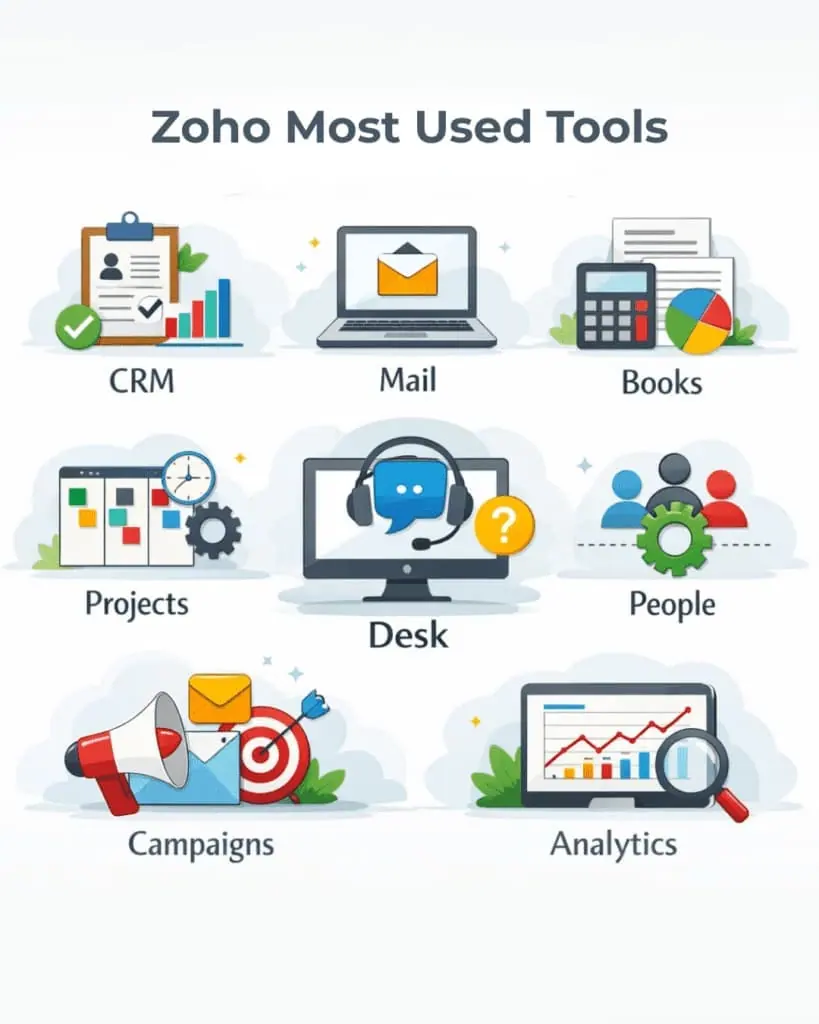
Here are the most widely used Zoho applications and what they do:
- Zoho CRM
Helps businesses manage leads, customers, sales pipelines, deals, follow-ups, and communication history. It is one of Zoho’s flagship products and widely used by sales teams.
👉 Learn more: https://www.zoho.com/crm/
- Zoho Books
Accounting software designed for invoicing, expense tracking, tax calculations, financial reporting, and cash flow monitoring. It is especially useful for small businesses and freelancers.
👉 Learn more: https://www.zoho.com/books/
- Zoho Projects
A project management tool that helps teams track tasks, assign work, monitor deadlines, and collaborate in real time.
👉 Learn more: https://www.zoho.com/projects/
- Zoho Desk
Customer support software used to manage support tickets, customer queries, live chat, and service automation.
👉 Learn more: https://www.zoho.com/desk/
- Zoho Mail
Professional business email solution with custom domains, secure communication, and collaboration features.
👉 Learn more: https://www.zoho.com/mail/
Features
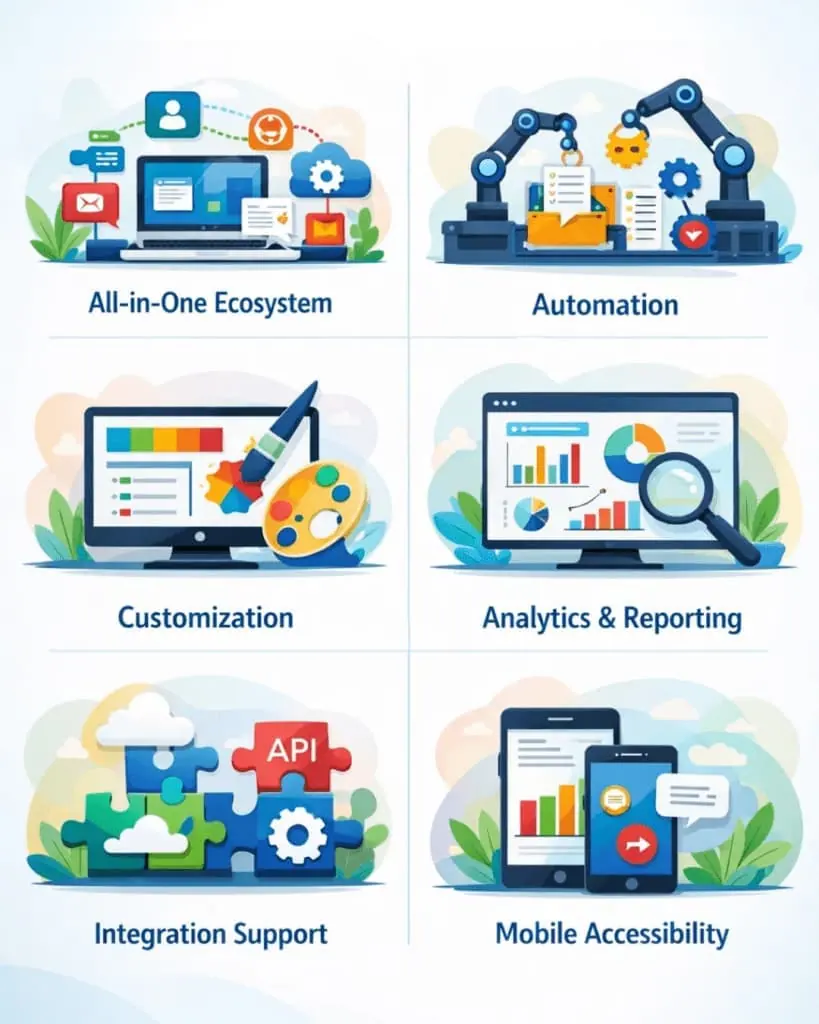
Zoho is not just a software — it’s a complete business infrastructure. Here are its most powerful features explained in depth:
✔ All-in-One Ecosystem
Instead of using different tools from different companies, Zoho integrates everything into one system. This centralization improves productivity and reduces operational complexity.
For example, your CRM, invoices, customer emails, and support tickets can all connect automatically.
✔ Automation
Zoho allows you to automate repetitive tasks such as:
- sending follow-up emails
- assigning leads to sales reps
- generating invoices automatically
- scheduling reminders
- updating customer records
Automation saves time, reduces errors, and increases efficiency.
✔ Customization
Every business operates differently. Zoho allows you to customize:
- dashboards
- workflows
- reports
- layouts
- forms
- automation rules
This flexibility makes it suitable for many industries including agencies, ecommerce, consulting, healthcare, and education.
✔ Analytics & Reporting
Zoho includes built-in analytics tools that help businesses track performance metrics such as:
- revenue trends
- sales conversion rates
- customer engagement
- project progress
- team productivity
These insights help businesses make better decisions based on real data instead of guesswork.
✔ Integration Support
Zoho integrates with hundreds of third-party apps including:
- Google Workspace
- Microsoft 365
- Shopify
- Stripe
- Slack
- PayPal
- Zapier
This makes it easy to connect Zoho with tools you already use.
✔ Mobile Accessibility
Most Zoho applications come with mobile apps so you can manage your business anytime, anywhere. This is especially useful for remote teams, freelancers, and traveling entrepreneurs.
Advantages & Disadvantages
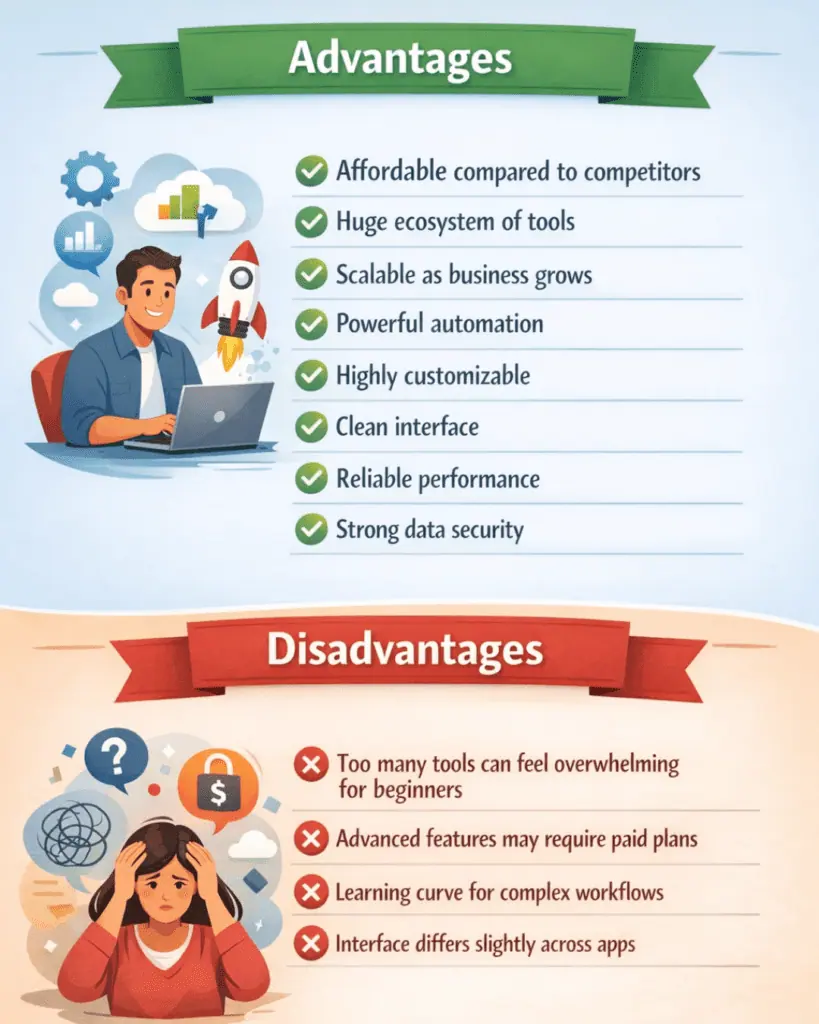
Advantages
✔ Affordable compared to competitors
✔ Huge ecosystem of tools
✔ Scalable as business grows
✔ Powerful automation
✔ Highly customizable
✔ Clean interface
✔ Reliable performance
✔ Strong data security
Disadvantages
✖ Too many tools can feel overwhelming for beginners
✖ Advanced features may require paid plans
✖ Learning curve for complex workflows
✖ Interface differs slightly across apps
Pricing
One of Zoho’s strongest advantages is its flexible pricing model. Unlike many competitors, Zoho allows businesses to pay only for the tools they need.
Most Zoho apps offer:
- free plan
- free trial
- monthly subscription
- yearly discount
Example Pricing Structure
| Tool | Pricing Type |
| Zoho CRM | Tiered pricing plans |
| Zoho Books | Subscription plans |
| Zoho Projects | Per-user pricing |
| Zoho Desk | Multiple support tiers |
Prices are generally lower than competitors offering similar features, making Zoho one of the most cost-effective SaaS ecosystems available.
Zoho One — The All-in-One Bundle
Zoho offers a bundled subscription called Zoho One, which includes access to almost all Zoho applications for a single price.
This option is ideal for businesses that want a complete business system instead of managing multiple subscriptions.
👉 Explore Zoho One: https://www.zoho.com/one/
Comparison — Zoho vs Competitors
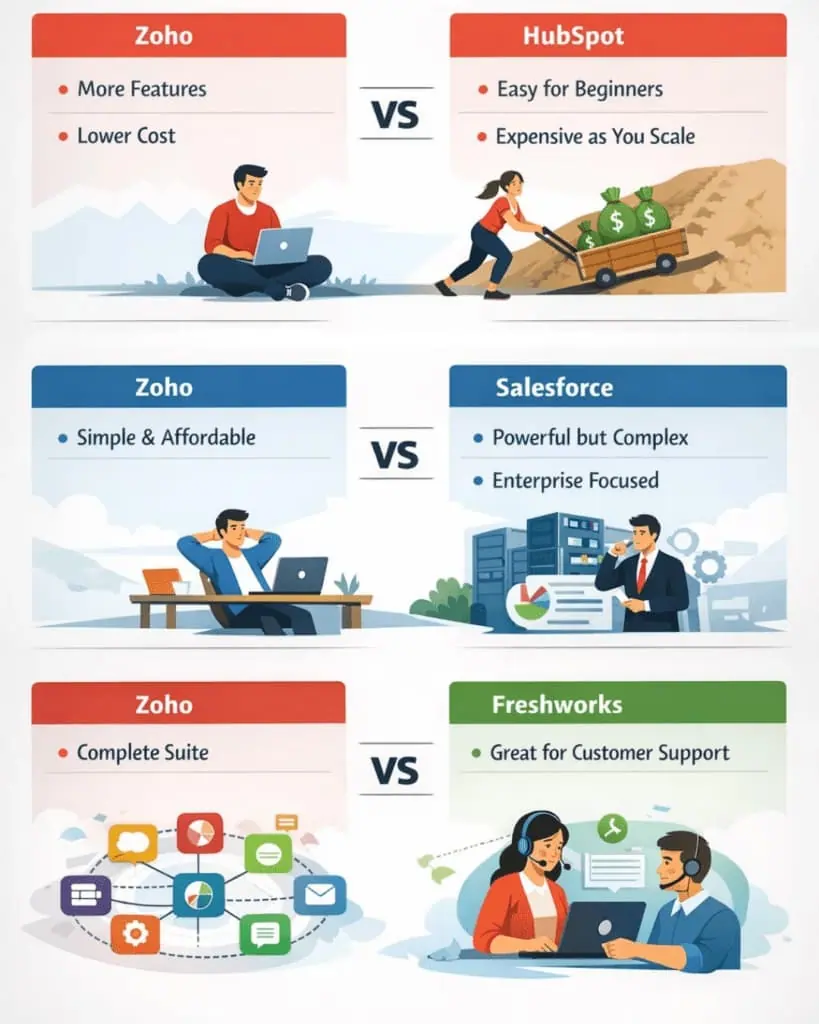
Here’s how Zoho compares to some major competitors:
Key Differences Explained
Zoho vs HubSpot
HubSpot is easier for beginners but becomes expensive as you scale. Zoho offers more features at a lower cost.
Zoho vs Salesforce
Salesforce is powerful but designed mainly for large enterprises and requires technical setup. Zoho is easier and more affordable.
Zoho vs Freshworks
Freshworks is strong in customer support, while Zoho offers a broader ecosystem.
Who Should Use Zoho?
Zoho is ideal for:
- startups
- small businesses
- freelancers
- agencies
- consultants
- service providers
- ecommerce businesses
If your business needs a system to manage customers, finances, operations, and teams in one place, Zoho is a strong choice.
Best Real-World Use Cases
Businesses commonly use Zoho for:
- managing leads and sales pipelines
- sending automated invoices
- tracking employee tasks
- managing customer queries
- analyzing business performance
For example, a digital marketing agency could use:
CRM → manage clients
Projects → track campaigns
Books → handle invoices
Desk → support tickets
All connected in one ecosystem.
Who Should NOT Use Zoho?
Zoho may not be ideal if:
- you only need one very simple tool
- you don’t want customization
- you prefer ultra-minimal software
- you run a large enterprise needing extremely advanced enterprise systems
Why Businesses Switch to Zoho
Many companies move to Zoho from other tools because it:
- reduces software costs
- centralizes data
- improves productivity
- simplifies workflows
- eliminates tool overload
Using multiple disconnected tools often causes data duplication and errors. Zoho solves this by keeping everything in one system.
Is Zoho Safe?
Yes. Zoho is considered a secure and reliable platform. It provides:
- encryption
- secure servers
- compliance certifications
- privacy-focused policies
Millions of businesses worldwide trust Zoho to manage their data and operations.
Beginner Tips Before Using Zoho
If you’re starting with Zoho, follow these tips:
- start with one tool first
- learn basics before automation
- watch tutorials
- integrate tools gradually
- customize slowly
This approach prevents overwhelm and helps you master the platform efficiently.
Zoho is one of the most powerful and affordable business software ecosystems available today. It combines multiple business tools into a single platform, helping companies streamline operations, improve productivity, and scale efficiently without paying enterprise-level prices. Its flexibility, customization, and affordability make it an excellent choice for startups and growing businesses.
Try Zoho
If you want to explore Zoho and see how it works for your business, you can visit the official website and start with their free plan.
👉 Start exploring Zoho: https://www.zoho.com/
FAQs
What is Zoho used for?
Zoho is used to manage business operations such as CRM, accounting, project management, customer support, email marketing, and automation.
Is Zoho free?
Some Zoho apps offer free plans with limited features. Paid plans unlock advanced tools and automation.
Is Zoho better than Salesforce?
Zoho is more affordable and beginner-friendly, while Salesforce is better suited for large enterprises needing complex customization.
Which Zoho tool should beginners start with?
Most beginners start with Zoho CRM because it helps manage leads, customers, and sales processes.
Can Zoho replace multiple software tools?
Yes. Zoho’s ecosystem allows businesses to replace several tools with one integrated system.
Is Zoho good for small businesses?
Yes — Zoho is one of the best platforms for small businesses due to its affordability and scalability.