






Starting a startup in 2026 is both exciting and challenging. It has never been easier to launch a product, but it has never been harder to keep your “burn rate” under control. The sheer number of SaaS tools available is overwhelming. Most founders start with a “free trial” that quietly turns into a $30/month bill, and before you know it, you’re spending $800 a month on software that nobody on your team actually uses.
The goal isn’t to own every tool— it’s to have the Best Tools Bundle for Startups that works together without draining your bank account. You don’t need enterprise-grade software to validate a business idea. You need a lean, high-utility stack that lets you move fast.
What a Smart Startup Tool Stack Looks Like in 2026
A “smart” stack isn’t about finding the cheapest tool in every category—sometimes the free version of a tool is more expensive in the long run because it wastes your time. A smart stack is built on consolidation.
In 2026, the trend has shifted away from “one tool for one job.” The best tools now handle two or three functions. For example, why pay for a separate wiki, a project manager, and a document editor when one platform can do all three? By choosing multi-hyphenate tools, you reduce your cognitive load and your monthly credit card statement.
Tip: Focus on tools that are scalable, integrated, and time-saving, not just cheap.
The Essential Startup Tools Bundle
Here is the “No-Fluff” selection of tools that offer the best value-to-cost ratio for startups this year.
1. Website & Landing Page Builder: Framer
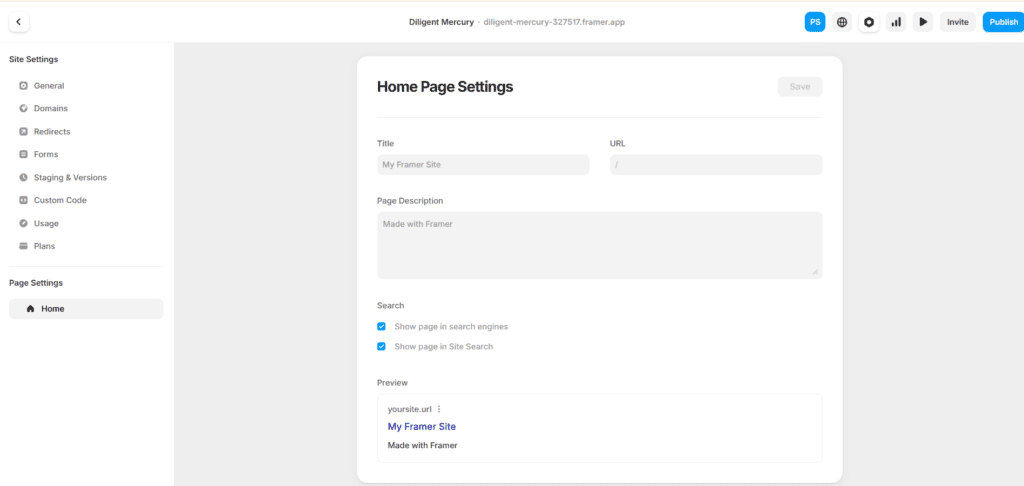
Framer has largely overtaken traditional builders for startups because it bridges the gap between design and publishing. It’s no longer just a prototyping tool; it’s a full-blown CMS.
- What it does: It allows you to design a high-end website on a canvas and publish it instantly without writing code.
- Why it’s for startups: Most “no-code” builders produce sites that look like templates. Framer sites look like they cost $10,000 to develop. It’s fast, the SEO controls are excellent, and the hosting is included.
- Pricing: Starts with a robust free tier; “Mini” sites for simple landing pages start around $5–$10/month.
- When you need it: Day one. You need a professional face for investors and early customers.
- Use-Case: A SaaS founder needs a landing page to collect waitlist emails. They design the page in two hours, connect it to their domain, and start running ads immediately.
2. SEO & Keyword Research: KeySearch
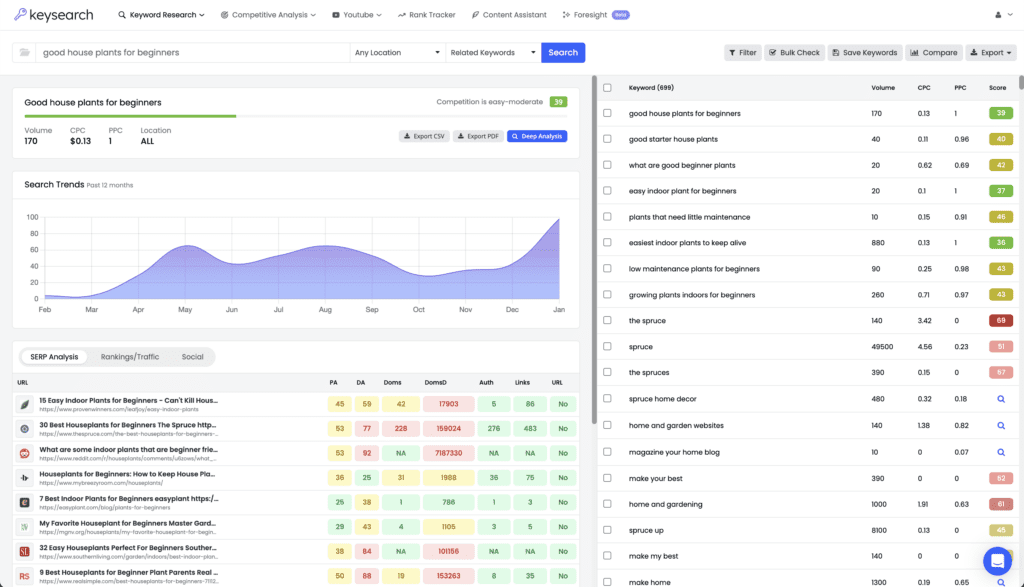
While everyone talks about Ahrefs and Semrush, those tools now cost $130+ per month. For a startup, that’s a massive expense. KeySearch provides 80% of the utility for a fraction of the price.
- What it does: Keyword difficulty checking, competitor analysis, and rank tracking.
- Why it’s for startups: It gives you the data you actually need (can I rank for this?) without the enterprise bloat. It’s the most affordable way to build a content strategy that actually brings in organic traffic.
- Pricing: Roughly $19–$24/month.
- When you need it: When you start your blog or help docs to drive “free” traffic.
- Use-Case: A niche e-commerce brand uses KeySearch to find “low competition” keywords like “eco-friendly yoga mats for beginners” instead of fighting for the impossible “yoga mats” keyword.
3. Design Tool: Canva (with Magic Studio AI)
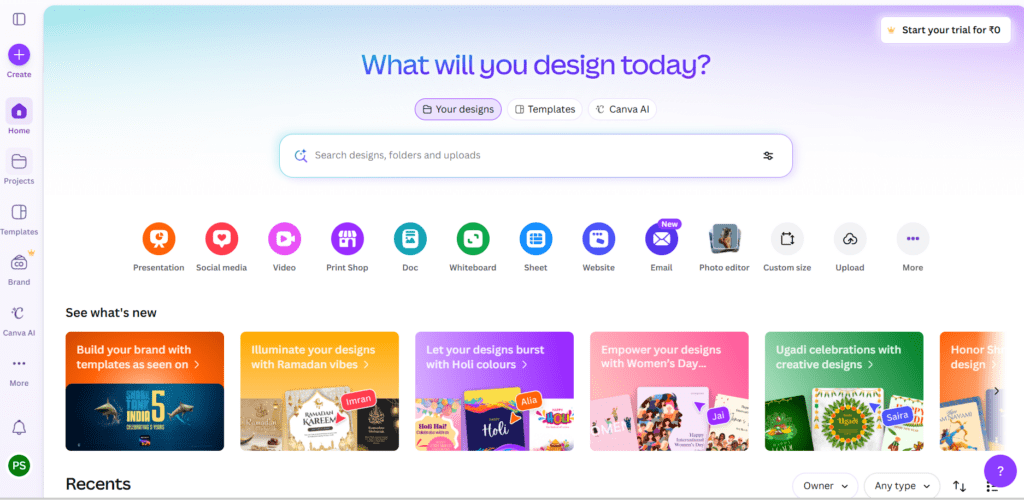
Figma is great for product design, but for marketing, social media, and pitch decks, Canva remains the undisputed king of efficiency.
- What it does: Visual content creation—from Instagram posts to investor decks.
- Why it’s for startups: You don’t have time to learn Photoshop. Canva’s 2026 AI features (Magic Studio) allow you to generate icons, remove backgrounds, and resize layouts in seconds.
- Pricing: Great free tier; Pro is about $12–$15/month and covers your whole team.
- When you need it: As soon as you need to post on LinkedIn or send a PDF to a lead.
- Use-Case: A solo founder creates a 15-page pitch deck using a template, then uses the AI “Magic Switch” to turn that deck into a series of LinkedIn carousels for promotion.
For more on how to create high-converting presentations and social media content using Canva, check out our detailed Canva Blog Guide for step-by-step tutorials and templates.
4. Email Marketing Tool: MailerLite
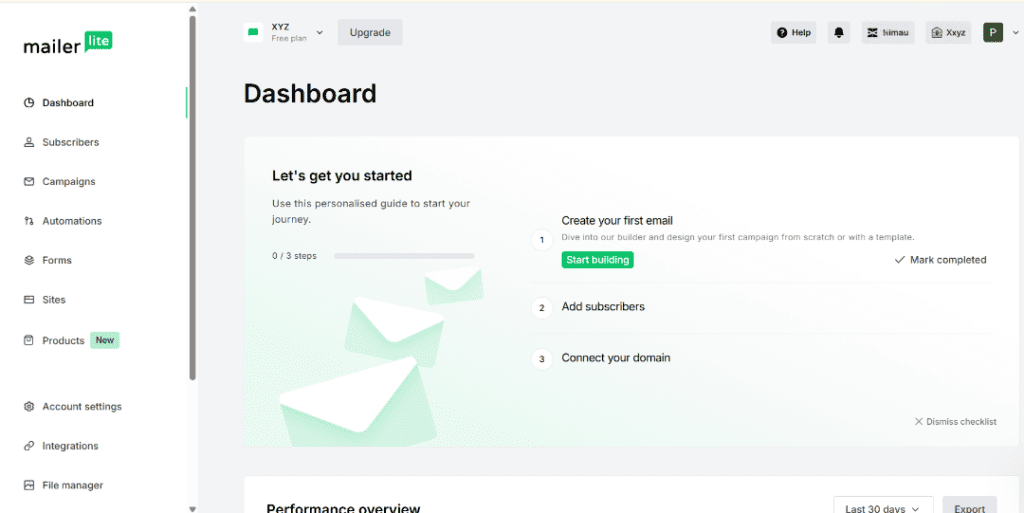
While Mailchimp has become expensive and complex, MailerLite has stayed focused on what startups actually need: clean emails and easy automation.
- What it does: Manages your email list, sends newsletters, and builds automated “drip” sequences.
- Why it’s for startups: Its automation builder is more intuitive than most high-end tools. Also, their free tier is incredibly generous, allowing you to grow to your first 1,000 subscribers without paying a cent.
- Pricing: Free up to 1,000 subscribers; paid plans start around $10/month.
- When you need it: Before you launch. You should be collecting emails even if your product isn’t ready.
- Use-Case: A startup sets up an “Onboarding Sequence” where new users get a series of three helpful emails over five days to teach them how to use the app.
5. Project Management & Docs: Notion
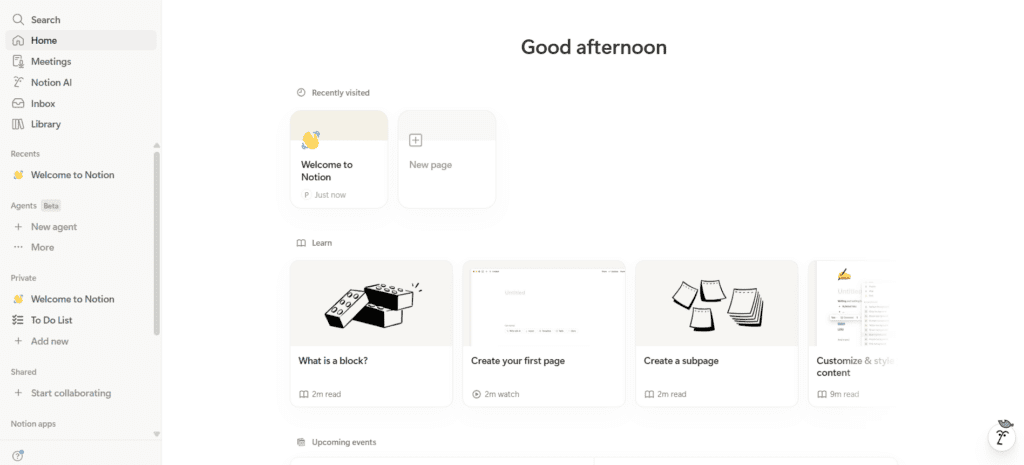
Notion is the ultimate “Swiss Army Knife.” In 2026, it is the standard for internal startup operations.
- What it does: Combines notes, tasks, databases, and a company wiki.
- Why it’s for startups: It replaces Trello, Evernote, and Google Docs. You can track your product roadmap right next to your meeting notes. It keeps all your company knowledge in one searchable place.
- Pricing: Free for individuals; “Plus” plan for small teams is about $10/user/month.
- When you need it: As soon as you have more than one person involved (or when your own notes get messy).
- Use-Case: A team uses a Notion database to track their “Feature Requests.” They can tag bugs, assign them to developers, and link them to a “Product Vision” document in the same workspace.
6. Automation Tool: Make (formerly Integromat)

If your tools don’t talk to each other, you’ll spend your life doing manual data entry. Make is the more affordable, more powerful alternative to Zapier.
- What it does: Connects your apps. For example: “When someone buys on my site, add them to MailerLite and send a notification to Slack.”
- Why it’s for startups: Zapier’s pricing gets aggressive very quickly. Make is much more budget-friendly for complex workflows and allows for more visual “branching” logic.
- Pricing: Robust free tier; “Core” plan starts at $9–$12/month.
- When you need it: When you find yourself doing the same task twice.
- Use-Case: Every time a new “Contact Us” form is filled out on the website, Make automatically creates a task in Notion and sends an SMS to the founder.
7. Analytics Tool: Umami (or Google Analytics 4)
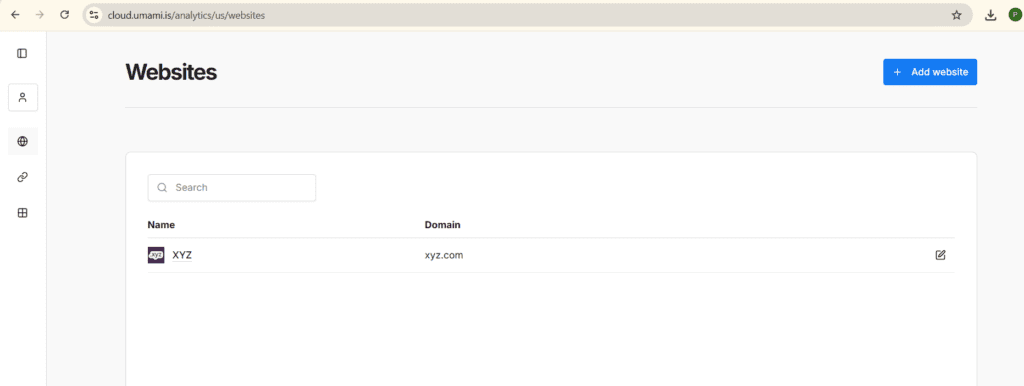
Google Analytics is free but notoriously difficult to use. Umami is the 2026 favorite for founders who want privacy-focused, simple data.
- What it does: Tells you how many people are visiting your site and what they are clicking on.
- Why it’s for startups: You don’t need 500 reports. You need to know where your traffic is coming from. Umami is lightweight, doesn’t require “cookie banners” in many regions, and takes two minutes to understand.
- Pricing: Free (self-hosted) or very cheap Cloud version (approx. $9/month).
- When you need it: From the second your website goes live.
- Use-Case: A blogger checks Umami to see if their latest guest post on a partner site actually drove any real clicks.
8. Payment / E-commerce Tool: Stripe
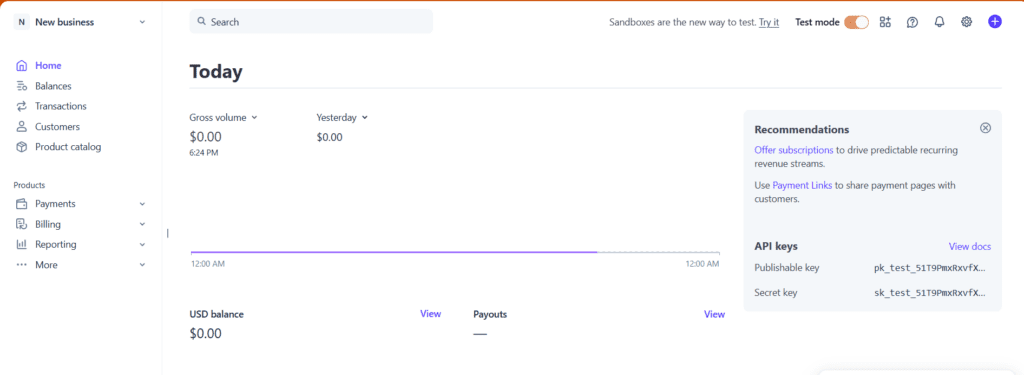
There is no real alternative for a modern startup. Stripe is the infrastructure of the internet.
- What it does: Processes credit cards, manages subscriptions, and handles tax compliance (via Stripe Tax).
- Why it’s for startups: It scales with you. Whether you’re selling a $10 ebook or a $5,000/month SaaS seat, Stripe handles it. The integration with builders like Framer or Lemonsqueezy (which runs on Stripe) is seamless.
- Pricing: Pay-as-you-go (usually 2.9% + 30¢ per transaction). No monthly fee.
- When you need it: When you’re ready to take money.
- Use-Case: A SaaS startup uses Stripe Billing to automatically handle “failed credit card” emails so they don’t have to manually chase customers for payment.
Example Startup Stack Under $100/Month
You can genuinely run a world-class operation for less than the cost of a nice dinner. Here is how the math breaks down for a small team:
| Tool Category | Recommended Tool | Estimated Monthly Cost |
| Website | Framer (Basic) | $15 |
| SEO | KeySearch | $19 |
| Project Mgmt/Docs | Notion (Plus) | $10 |
| Email Marketing | MailerLite | $10 (or Free) |
| Design | Canva Pro | $15 |
| Automation | Make | $12 |
| Analytics | Umami | $9 |
| Payments | Stripe | $0 (Transaction based) |
| Total | $90 / month |
Real-World Case Studies
Example A: The Solo Content Creator
- The Goal: Launch a niche blog about AI productivity and monetize via a newsletter.
- The Stack: * Ghost (for the blog/newsletter combo) – $11/month.
- KeySearch – $19/month (Essential for finding low-competition topics).
- Canva – $15/month (For featured images and social clips).
- Why: Ghost combines the website and the email tool into one, saving the creator from managing two separate subscriptions.
Example B: The E-commerce Newcomer
- The Goal: Sell a boutique line of sustainable office furniture.
- The Stack: * Shopify (Basic) – $39/month.
- Klaviyo (Email/SMS) – $0 (Free tier to start).
- Umami – $9/month (To track which ads are working).
- Why: For physical goods, Shopify’s ecosystem is worth the premium because it handles shipping and inventory in a way that general-purpose builders can’t.
5 Mistakes Startups Make When Buying Tools
- Buying “Enterprise” Too Early: You don’t need Salesforce or HubSpot Enterprise when you have 50 customers. Start with a spreadsheet or a simple CRM. Scale the tool only when the current one literally breaks.
- Overlapping Subscriptions: Do you have Slack, but also pay for Microsoft 365? You’re paying for two chat apps. Do you have Notion and Evernote? Pick one. Audit your “subscriptions” list every 90 days.
- Ignoring the “Annual” Discount: Most tools give you 20% off if you pay for a year. Once you know a tool is essential to your workflow, switch to annual and save the cash.
- Forgetting to Cancel “Zombie” Accounts: You signed up for a tool for one specific task, finished the task, and left the $29/month subscription running for six months. This is the biggest silent killer of startup budgets.
- Falling for the “All-in-One” Trap that Isn’t: Some tools claim to do everything but do everything poorly. It’s better to have three great tools that talk to each other via Make than one “Master Tool” that makes your team miserable.
Final Thoughts
Building a lean startup software stack is an exercise in discipline. The “best” tool isn’t the one with the most features; it’s the one that helps you get your product in front of customers the fastest for the least cost.
Start with the basics:
- A place to work: Notion
- A place to sell: Stripe / Framer
- A way to reach people: MailerLite / KeySearch
Everything else is a “nice-to-have” until revenue justifies upgrading.
For more startup tool strategies, tips, and guides, visit BizSmartTools.
0 Comments