






Creating a website used to require coding skills, technical knowledge, and sometimes expensive developers. Today, website builders have completely changed that. Even beginners can design professional-looking websites in a few hours using simple drag-and-drop tools.
However, choosing the right website builder is important. The platform you select will affect your website’s design, speed, customization, SEO performance, and future scalability. This detailed beginner guide explains everything step-by-step so you can confidently choose the best website builder for your needs.
What Is a Website Builder?
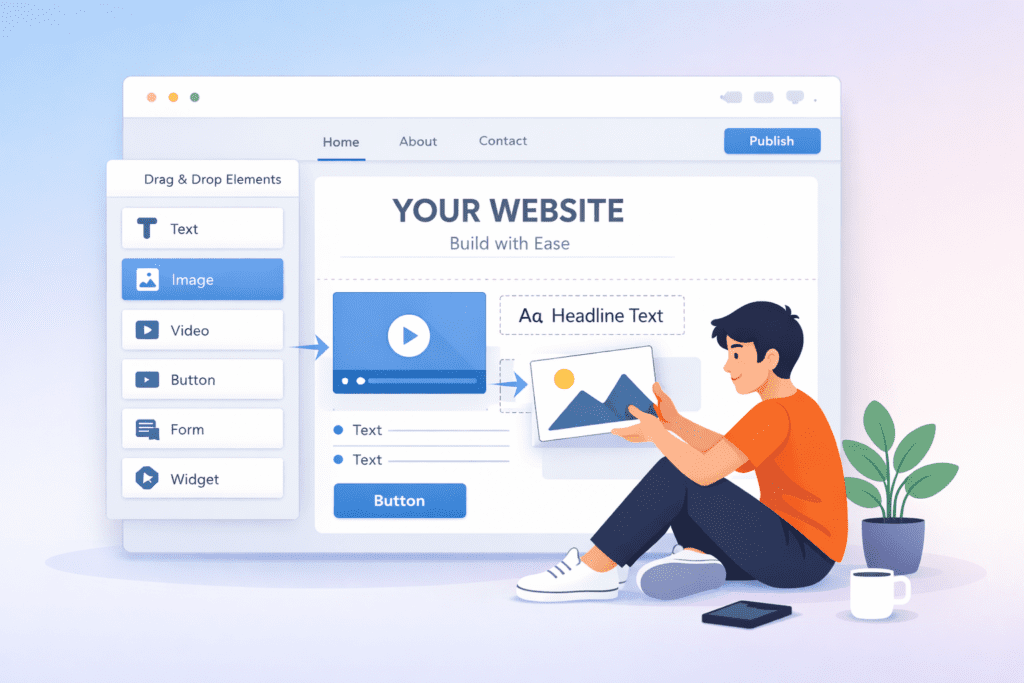
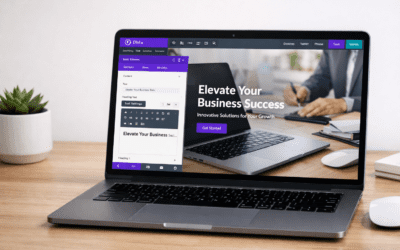
A website builder is an online platform that allows you to create a website without writing code. Instead of programming, you build pages visually using ready-made elements.
Most builders include:
- Pre-designed templates
- Drag-and-drop editor
- Hosting included
- Domain connection option
- Built-in SEO tools
This means you don’t need separate hosting, design software, or coding knowledge. Everything works in one place.
Why Beginners Should Use Website Builders
Website builders are designed for simplicity. They remove technical barriers and make website creation accessible for everyone.
Main advantages for beginners:
- No coding required
- Fast setup
- Affordable plans
- Easy editing anytime
- Built-in security
For someone starting a blog, portfolio, business site, or affiliate platform, builders are the easiest entry point into the online world.
Types of Website Builders
1. Drag-and-Drop Builders
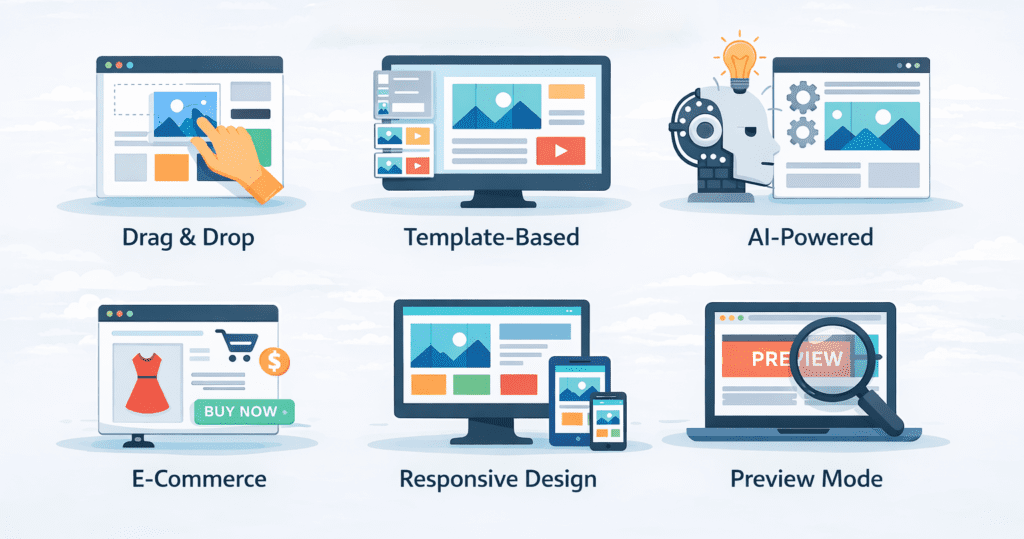
You visually move elements on screen. These are the easiest platforms.
Best for: beginners and non-technical users.
2. Template-Based Builders
You select a design and only edit text/images.
Best for: fast website launch.
3. AI Website Builders
AI automatically creates your website after asking a few questions.
Best for: instant setup without design decisions.
4. Ecommerce Builders
Built specifically for selling products online.
Best for: online stores and product businesses.
Best Website Builders for Beginners
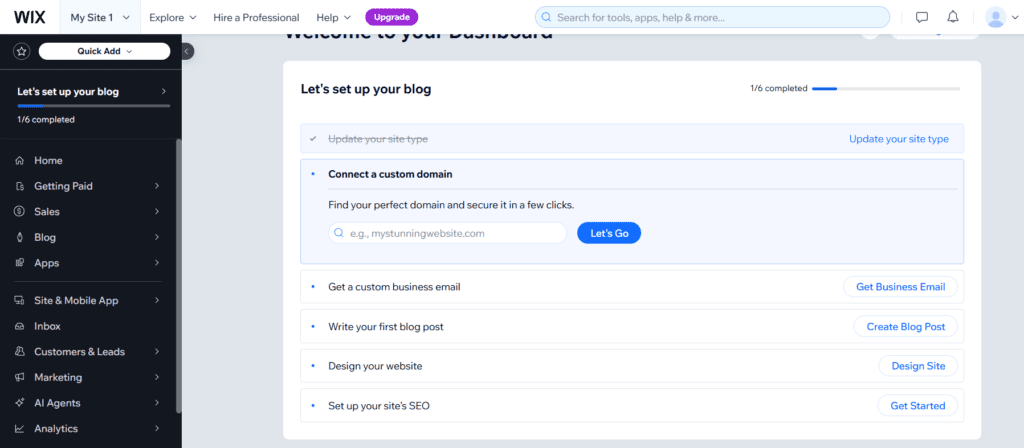
1. Wix — Best Overall for Beginners
Why beginners love it
- Extremely easy editor
- Large template library
- Free plan available
- Flexible design tools
Best for: portfolios, personal sites, small businesses.
👉 Explore Wix: https://www.wix.com/
Limitations: Once template selected, switching is difficult.
2. Squarespace — Best for Design Quality
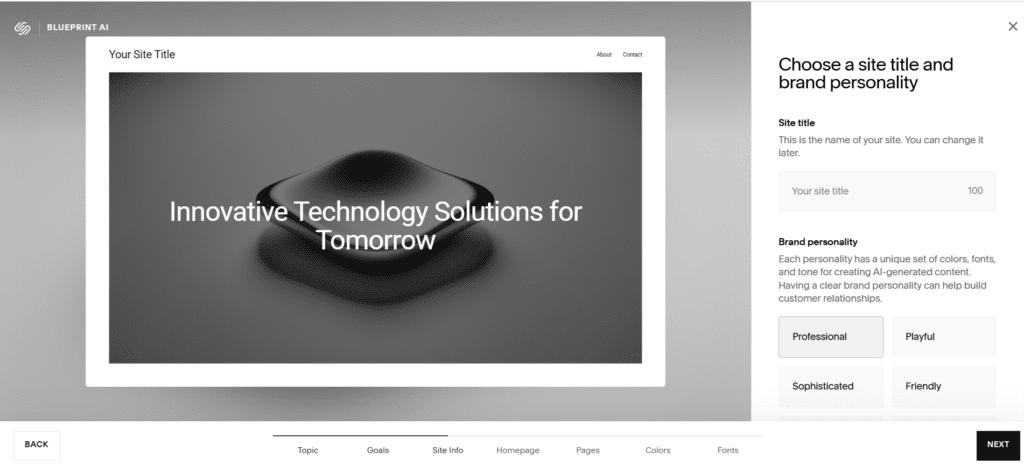
Strengths
- Premium templates
- Professional aesthetics
- Built-in SEO tools
- Mobile optimized layouts
Best for: photographers, designers, creatives.
👉 See Squarespace features: https://www.squarespace.com/
Limitation: Slightly higher pricing.
3. Shopify — Best for Online Stores
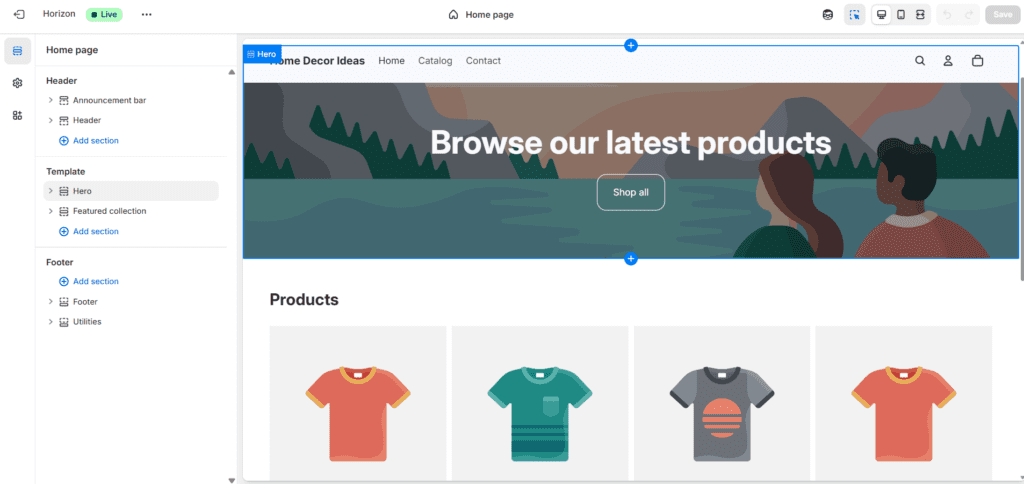
Why it stands out
- Built specifically for selling online
- Secure payment gateways
- Inventory tracking
- Sales analytics
Best for: product businesses, dropshipping, brands.
👉 Start an online store with Shopify: https://www.shopify.com/
Limitation: Monthly cost higher than basic builders.
4. WordPress.com — Best for Blogging & Content
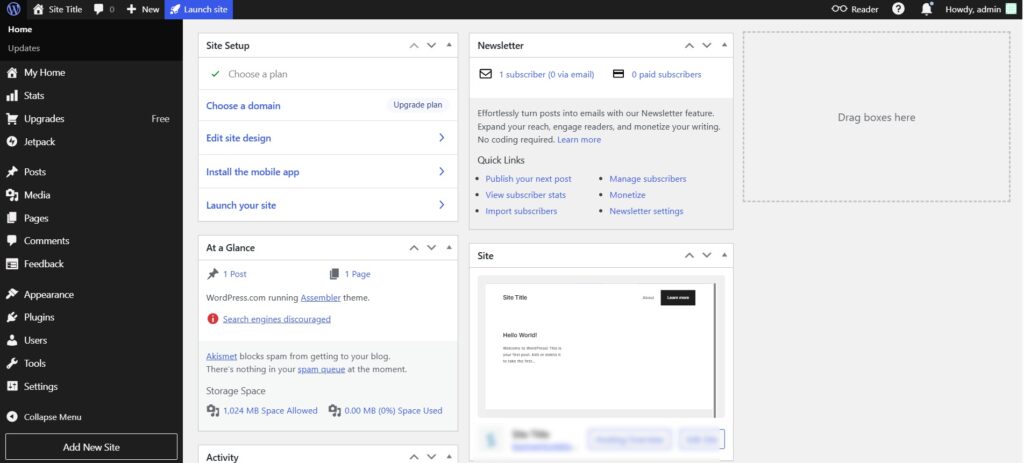
Strengths
- Powerful blogging system
- Flexible customization
- Thousands of themes
- Strong SEO capabilities
Best for: bloggers, writers, content creators.
👉 Create a blog with WordPress: https://wordpress.com/
Limitation: Advanced features require learning.
5. Weebly — Simplest Builder
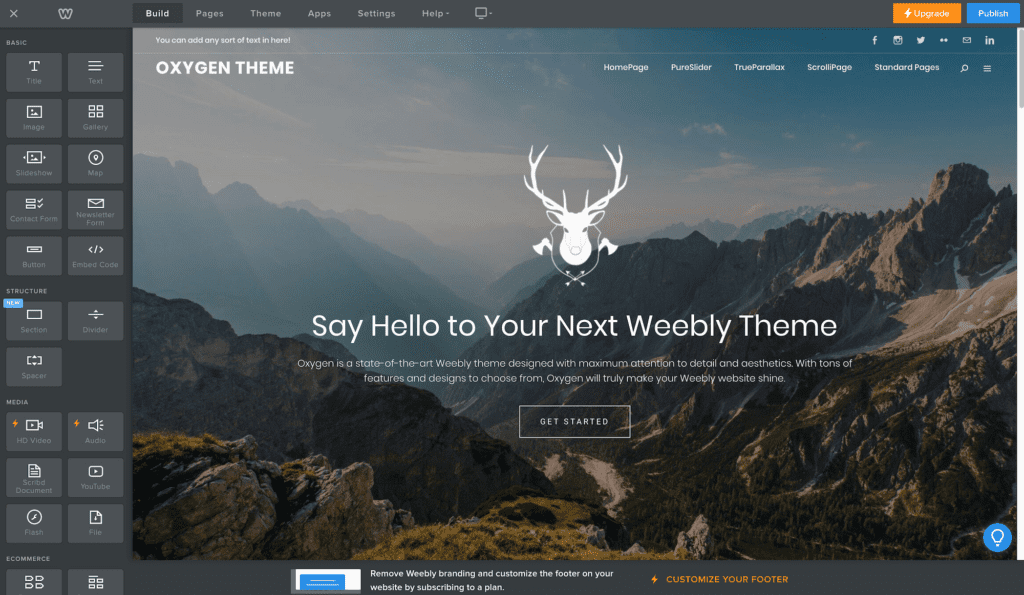
Advantages
- Very easy interface
- Quick setup
- Budget friendly
Best for: students, small projects, simple websites.
Limitation: Limited advanced customization.
Comparison Table — Quick Decision Guide
| Builder | Best For | Ease | Flexibility | Pricing |
|---|---|---|---|---|
| Wix | All beginners | ⭐⭐⭐⭐⭐ | High | Medium |
| Squarespace | Design | ⭐⭐⭐⭐ | Medium | High |
| Shopify | Ecommerce | ⭐⭐⭐⭐ | High | High |
| WordPress | Blogging | ⭐⭐⭐ | Very High | Flexible |
| Weebly | Simple sites | ⭐⭐⭐⭐⭐ | Low | Low |
How to Choose the Right Builder Step by Step Points
Choosing correctly depends on your goal, not popularity.
Follow this checklist:
- Define your website purpose
- Estimate future growth
- Check design needs
- Compare pricing plans
- Review customization options
- Check support availability
Key Features to Look For
Before selecting any builder, make sure it offers:
- Fast loading speed
- Mobile responsiveness
- SEO tools
- SSL security
- Custom domain support
- Analytics integration
These features ensure your website performs well and grows with your needs.
Beginner Mistakes to Avoid
Many beginners choose the wrong builder because of these mistakes:
- Selecting only cheapest option
- Ignoring scalability
- Not checking templates first
- Choosing complex platform
- Skipping reviews
Avoiding these mistakes saves time and money.
When Should You Upgrade Your Plan?
Upgrade your website builder plan if:
- Traffic increases
- You need more storage
- You want custom domain
- You add ecommerce features
- You need advanced analytics
Upgrading ensures performance stays smooth.
Pros and Cons of Website Builders
Pros
- Easy to use
- Affordable
- Quick launch
- No coding needed
- All-in-one platform
Cons
- Less flexible than coding
- Monthly subscription cost
- Platform lock-in
Who Should Use Website Builders?
Website builders are ideal for:
- Beginners
- Freelancers
- Bloggers
- Creators
- Students
- Small businesses
- Affiliate marketers
If your goal is launching fast without technical stress, website builders are the smartest choice.
Final Verdict – Which Builder Is Best?
There is no single best platform for everyone. The right builder depends on your goal.
Best Overall: Wix
Best Design: Squarespace
Best Ecommerce: Shopify
Best Blogging: WordPress
Best Simplicity: Weebly
👉 The best builder is the one that fits your purpose, budget, and growth plan.
FAQs
Q. Which website builder is easiest for beginners?
Wix and Weebly are easiest because of simple drag-and-drop interfaces.
Q. Do website builders include hosting?
Yes. Most platforms include hosting, security, and updates.
Q. Can I change builders later?
Yes, but migration can be difficult. Choose carefully at the start.
Q. Are website builders good for SEO?
Yes. Most modern builders provide built-in SEO tools.
Q. How much does a website builder cost?
Typical pricing ranges:
- Free → basic features
- ₹300–₹800/month → standard
- ₹1500+/month → ecommerce plans
Final Beginner Advice
If you’re just starting your online journey:
Start simple → Learn → Grow → Upgrade
Don’t wait for perfection. The fastest way to learn website building is by building one. For more helpful guides like this, visit BizSmartTools — where smart tools meet simple learning.
0 Comments