






Choosing the right hosting for your website is one of the most important decisions you’ll make when starting online. Whether you’re launching a blog, portfolio, business website, or an affiliate site like your growing online projects, your hosting directly affects your site’s speed, security, SEO, uptime, and user experience.
👉 Many beginners start with beginner-friendly hosting platforms like Hostinger because they are affordable and easy to manage.
Many beginners make the mistake of selecting the cheapest hosting without understanding what they actually need. This guide will help you understand everything step-by-step so you can confidently choose the best hosting for your website.
What Is Web Hosting?
Web hosting is a service that stores your website’s files, images, and data on a server so people can access it on the internet. Think of hosting as renting space on the internet where your website lives.
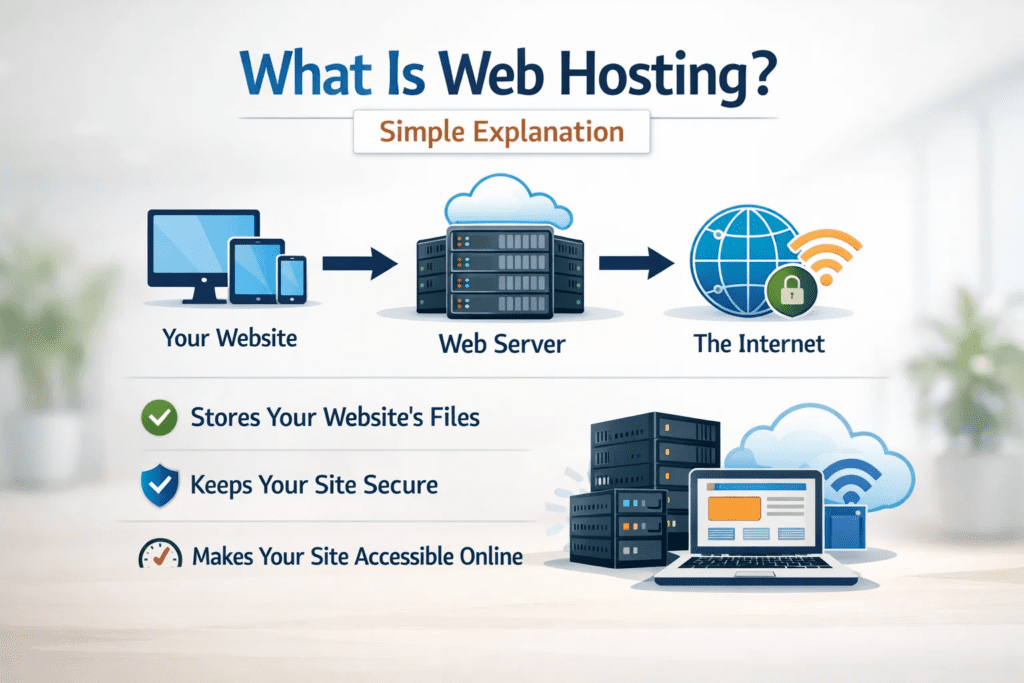
When someone types your domain name, the hosting server sends your website files to their browser.
Why Choosing the Right Hosting Matters
Your hosting choice impacts:
- Website speed
- Loading time
- Google rankings (SEO)
- Security protection
- Downtime frequency
- User experience
- Conversion rate
A slow or unreliable host can cause visitors to leave before your page loads — and that means lost traffic and income.
Types of Web Hosting
Understanding hosting types is the first step in choosing correctly.
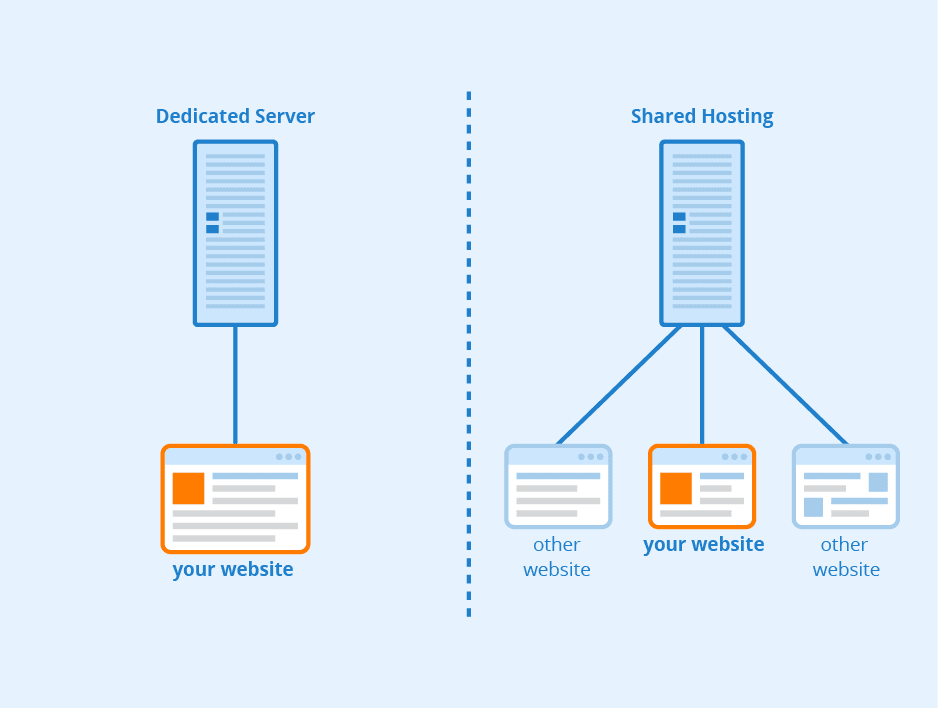
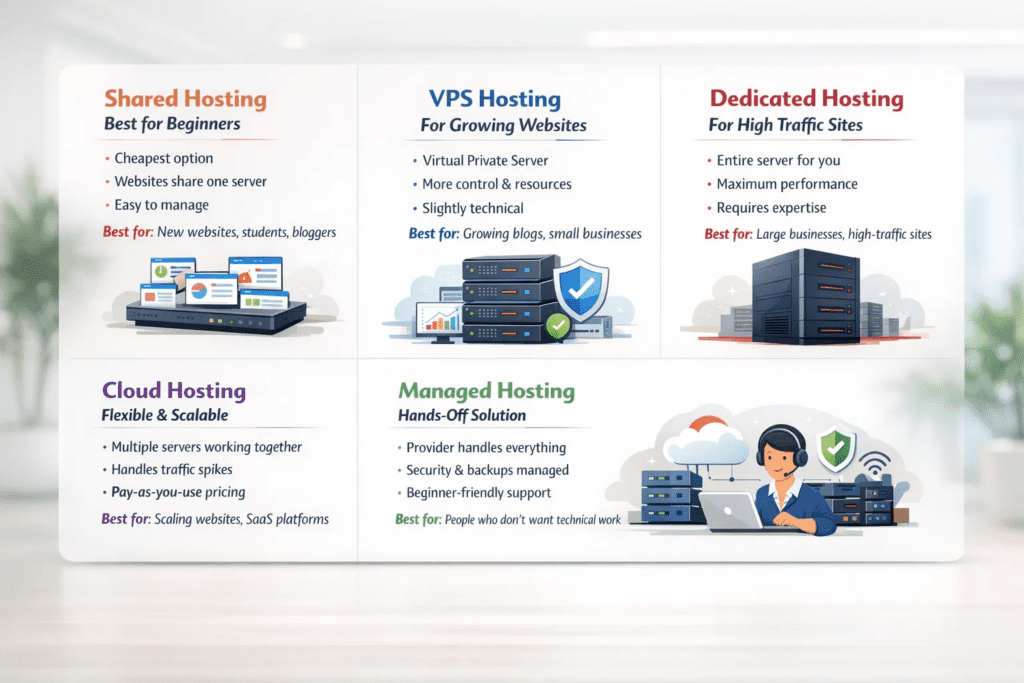
1. Shared Hosting — Best for Beginners
- Cheapest option
- Multiple websites share one server
- Easy to manage
- Good for blogs, beginners, small sites
Many beginners choose shared hosting from providers like Bluehost because it offers simple setup and beginner support.
Best for: new websites, students, bloggers
2. VPS Hosting — For Growing Websites
- Virtual Private Server
- Faster than shared hosting
- More control and resources
- Slightly technical
Best for: growing blogs, small businesses
3. Dedicated Hosting — For High Traffic Sites
- Entire server for your website
- Maximum speed and performance
- Expensive
- Requires technical knowledge
Best for: large businesses, high-traffic websites
4. Cloud Hosting — Flexible & Scalable
- Uses multiple servers
- Handles traffic spikes easily
- Highly reliable
- Pay-as-you-use pricing
Best for: scaling websites, startups, SaaS platforms
5. Managed Hosting — Hands-Off Solution
- Hosting provider handles everything
- Security, updates, backups managed
- More expensive but beginner-friendly
Managed hosting platforms such as Cloudways are popular for users who want performance without handling technical work.
Best for: people who don’t want technical work
Key Factors to Consider Before Choosing Hosting
Here are the most important features you should check before buying.
1. Speed & Performance
Website speed affects both user experience and SEO rankings. Look for:
- SSD storage
- CDN support
- Latest server technology
- LiteSpeed or NGINX servers
2. Uptime Guarantee
Uptime means how often your website stays online.
Good hosting providers offer:
- 99.9% uptime or higher
Avoid hosts that don’t mention uptime guarantees.
3. Security Features
Security is essential to protect your data and visitors.
Look for hosting that includes:
- Free SSL certificate
- Firewall protection
- Malware scanning
- Daily backups
4. Customer Support
As a beginner, you’ll need help.
Choose hosting with:
- 24/7 support
- Live chat
- Quick response time
- Knowledge base tutorials
5. Scalability
Your hosting should grow with your website.
Check if the provider allows easy upgrades from:
Shared → VPS → Cloud → Dedicated
6. Pricing & Renewal Costs
Many hosts offer cheap first-year plans but charge more later.
Always check:
- Renewal price
- Hidden fees
- Backup charges
- Domain renewal cost
7. Ease of Use (Control Panel)
Beginners should choose hosting with simple dashboards like:
- One-click installs
- Easy file manager
- WordPress auto install

Hosting Recommendations Based on Website Type
| Website Type | Recommended Hosting |
|---|---|
| Blog | Shared Hosting |
| Portfolio | Shared Hosting |
| Affiliate Site | Shared / Cloud |
| Small Business | VPS |
| Ecommerce | VPS / Cloud |
| Large Platform | Dedicated |
Signs You Chose the Wrong Hosting
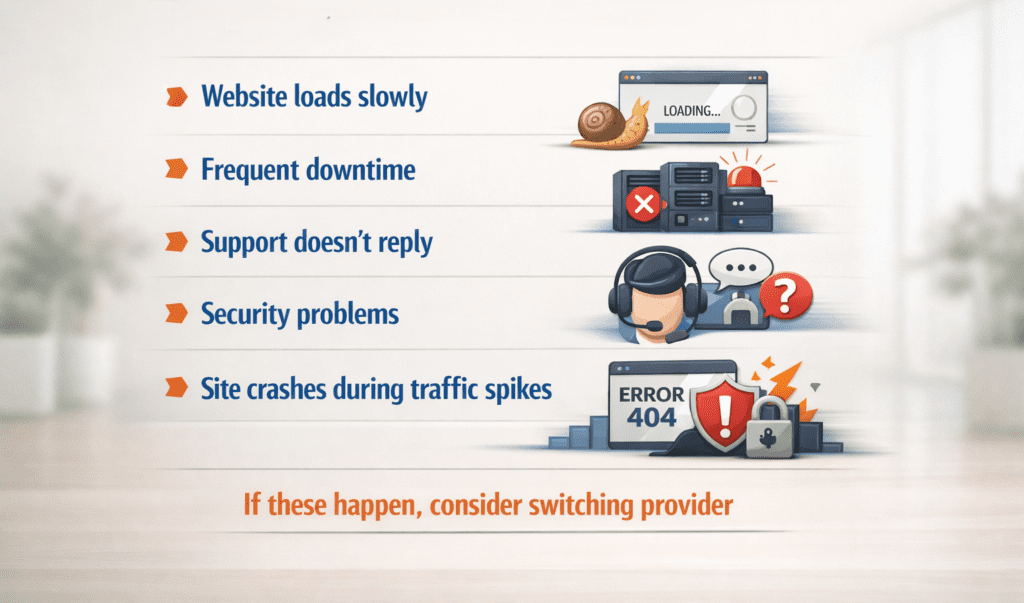
If you experience these issues, your hosting may be poor:
- Website loads slowly
- Frequent downtime
- Support doesn’t reply
- Security problems
- Site crashes during traffic spikes
If these happen, consider switching providers.
Beginner Mistakes to Avoid
Most beginners make these common hosting mistakes:
❌ Buying cheapest plan blindly
❌ Ignoring renewal pricing
❌ Not checking support quality
❌ Choosing wrong hosting type
❌ Skipping reviews
How Much Hosting Do You Really Need?
Here’s a simple guide:
| Monthly Visitors | Recommended Hosting |
|---|---|
| 0–5k | Shared |
| 5k–50k | VPS |
| 50k–500k | Cloud |
| 500k+ | Dedicated |
Step-by-Step: How to Choose Hosting (Checklist)
Follow this checklist before buying:
✔ Define website purpose
✔ Estimate traffic
✔ Decide budget
✔ Compare hosting types
✔ Check reviews
✔ Verify support quality
✔ Confirm renewal pricing
Bonus Tip for Beginners
If you’re just starting, shared hosting is usually the best choice because:
- Cheapest
- Easy to use
- Enough for starting traffic
- Upgrade anytime later
Reliable beginner-friendly hosts like SiteGround are known for strong speed and support.
You don’t need expensive hosting at the beginning.
Hosting Features Checklist (Must Have)
Before buying, make sure your hosting includes:
- Free SSL certificate
- Daily backups
- Malware protection
- Email hosting
- 1-click WordPress install
- 99.9% uptime guarantee
- SSD storage
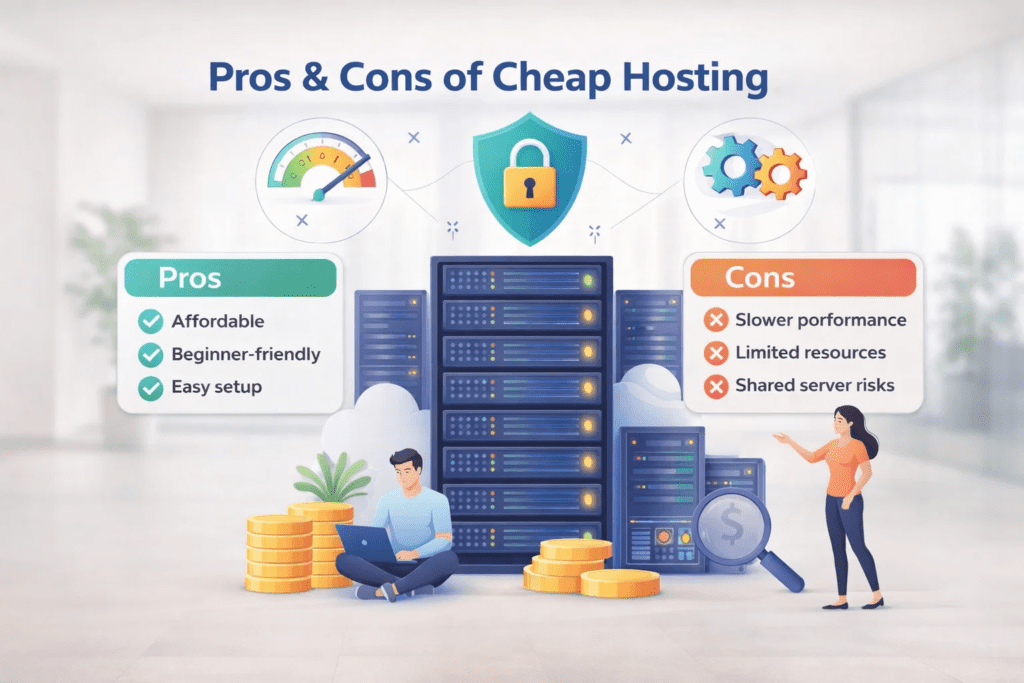
Pros & Cons of Cheap Hosting
Pros
- Affordable
- Beginner-friendly
- Easy setup
Cons
- Slower performance
- Limited resources
- Shared server risks
When Should You Upgrade Hosting?
Upgrade your hosting when:
- Traffic increases
- Site slows down
- Pages crash
- You add heavy features
- You launch products or ads
Final Verdict (Simple Rule)
Beginner → Shared Hosting
Growing Website → VPS
High Traffic → Cloud/Dedicated
Start small, scale later. Hosting should match your current stage, not your future expectations.
Frequently Asked Questions (FAQ)
Q1. Which hosting is best for beginners?
Shared hosting is best because it’s affordable, simple, and easy to manage.
Q2. Is free hosting good?
Free hosting is not recommended for serious websites because it has:
- Ads
- Poor speed
- Limited storage
- No security
Q3. Does hosting affect SEO?
Yes. Slow hosting lowers rankings because Google prefers fast websites.
Q4. How much does hosting cost?
Typical price ranges:
- Shared → ₹100–₹400/month
- VPS → ₹800–₹3000/month
- Dedicated → ₹6000+/month
Q5. Can I change hosting later?
Yes. You can migrate your website anytime. Most hosting companies even offer free migration.
Q6. Do I need hosting if I have a domain?
Yes. Domain is your website name; hosting is where your website files are stored. You need both.
Q7. Which hosting is best for affiliate websites?
Shared or cloud hosting works best depending on traffic.
Final Thoughts
Choosing the right hosting is the first step toward building a successful website. The best hosting plan is not the most expensive one — it’s the one that matches your current needs and can scale as your website grows. Always focus on speed, uptime, security, and support before making your decision.
If you start with the right hosting, your website will load faster, rank better on Google, and give visitors a smooth experience.
👉 For more beginner-friendly guides, tools tutorials, and step-by-step website tips, visit BizSmartTools — your smart resource hub for building and growing online projects.

0 Comments